Accessing the Console
Find and open the Console
Last updated 2 months ago
Sign In
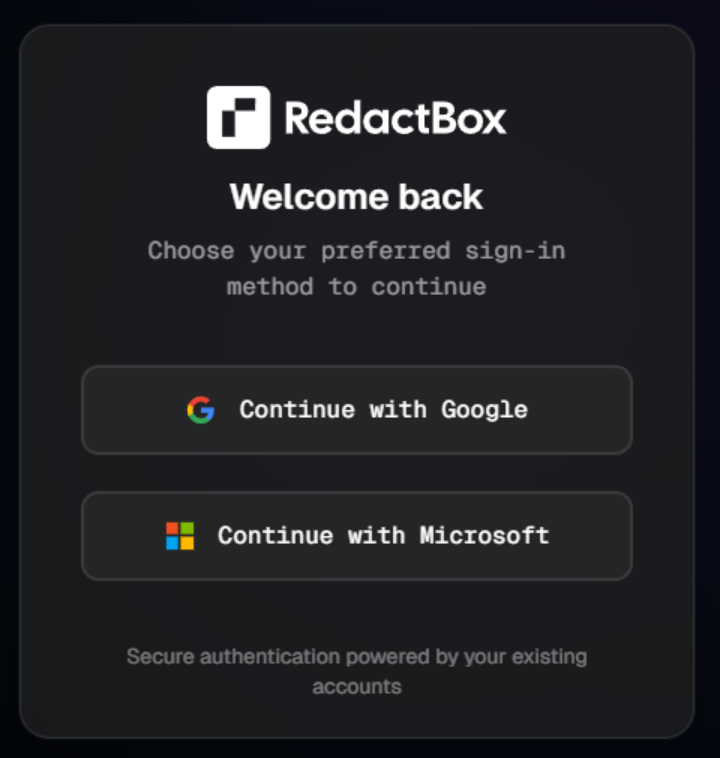
First, Sign in.
If you don't have an account, press Sign Up instead.

You can sign in with Google, Microsoft, or an email address and password.
If you use an email address and password, you can switch on two-factor authentication from your account settings for an extra layer of security. Accounts signing in through Google or Microsoft are covered by that provider's own two-factor setup instead.
Once you have signed in, a Console button will appear.
Press the Console button.

This will take you directly to the Console, where you can start uploading your files.
Was this helpful?
Still need help? Ask the team