Generate a Redaction Report
View redaction statistics for your project and download a PDF report.
Last updated 18 days ago
The redaction report is a PDF of your project's Stats: where the project stands, how redactions were applied, who did the work and what has been exported. Download it when a manager, governor or partner needs to sign off the work, or to keep with your records in case a response is challenged.
The report never shows redacted text. Terms are masked, so it is safe to share outside the team.
Downloading the report
Open your project.
Click Tools in the header, then Stats under Analytics & Management.
Click Download PDF report at the top of Stats.

The PDF is built in your browser and downloads straight away, named after the project and today's date. The button is greyed out until the project has at least one redaction.
What the report contains
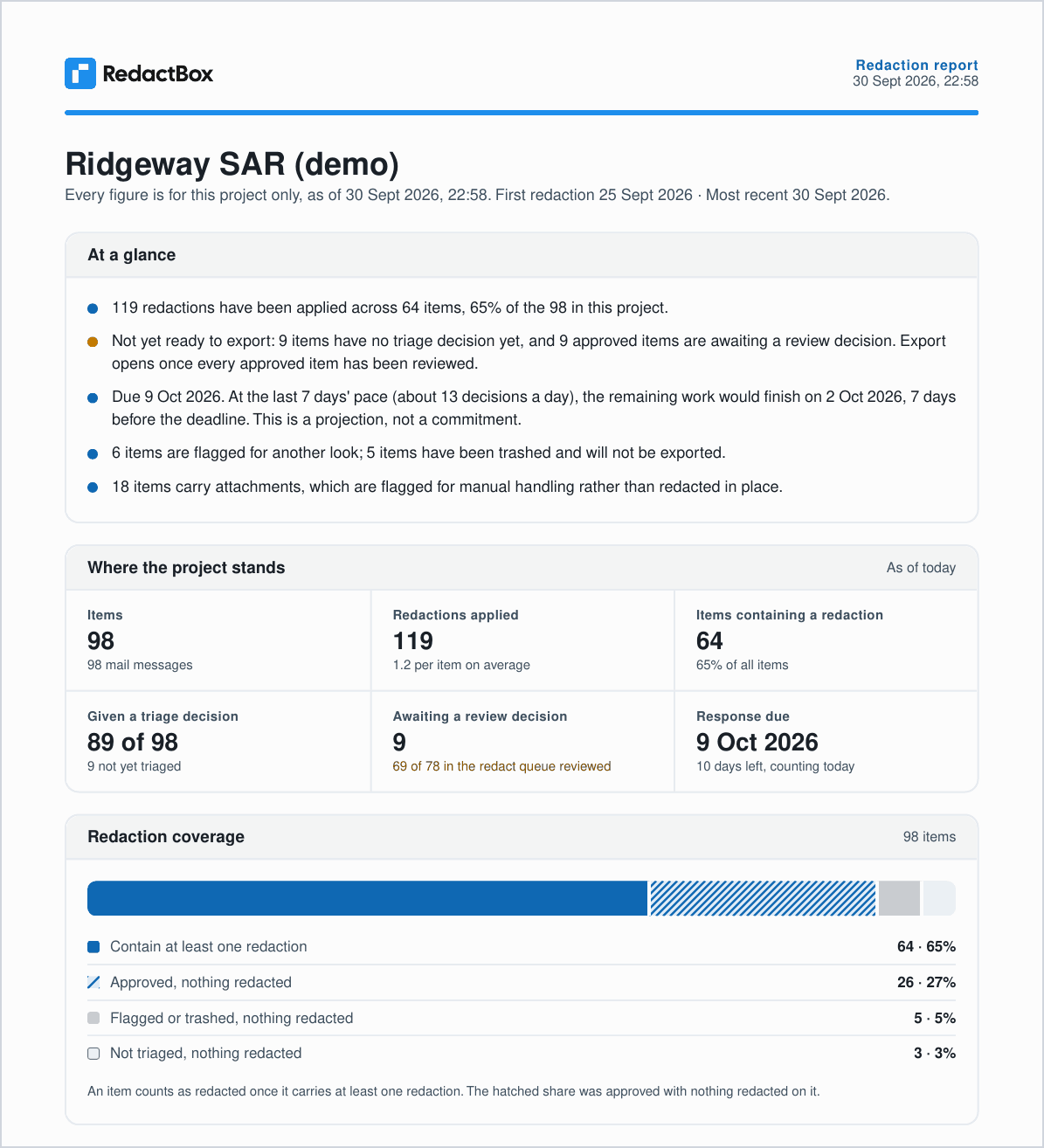
At a glance. A short summary: coverage, whether the project is ready to export, and the deadline projection.
Where the project stands and Redaction coverage. The same figures and four-part coverage split as Stats.
How redactions were applied. Applied in bulk, marked individually or drawn as an area.
Triage and review. Approved, flagged, trashed and not yet triaged, and how many approved items are still awaiting review.
Redactions per week. Activity over time.
Most redacted items and Most redacted terms (masked).
Who did the work and Exports.
How to read this report. What each figure means, so a reader who has never used RedactBox can follow it.
Sign-off. Spaces for Reviewed by, Role, Date and Signature.
For what each figure means in detail, see Project Stats.
Note: The deadline projection is an estimate from the last 7 days of work, not a commitment. The report says so on the page.
Report, Schedule or audit log?
Redaction reasons
Where you attached a reason to a redaction it is stored as a code rather than free text. Reasons therefore group properly in the Schedule of Redactions, and the redaction log CSV carries a dedicated Reason column alongside the comment. That is what you need if a response is challenged and you have to show which exemption applied to what.
Note: Coverage counts items with at least one redaction. That is not the same as items you have reviewed. An item you read and correctly decided needed no redactions will never appear in coverage, but it can still be marked complete in Redact.
Was this helpful?
Still need help? Ask the team